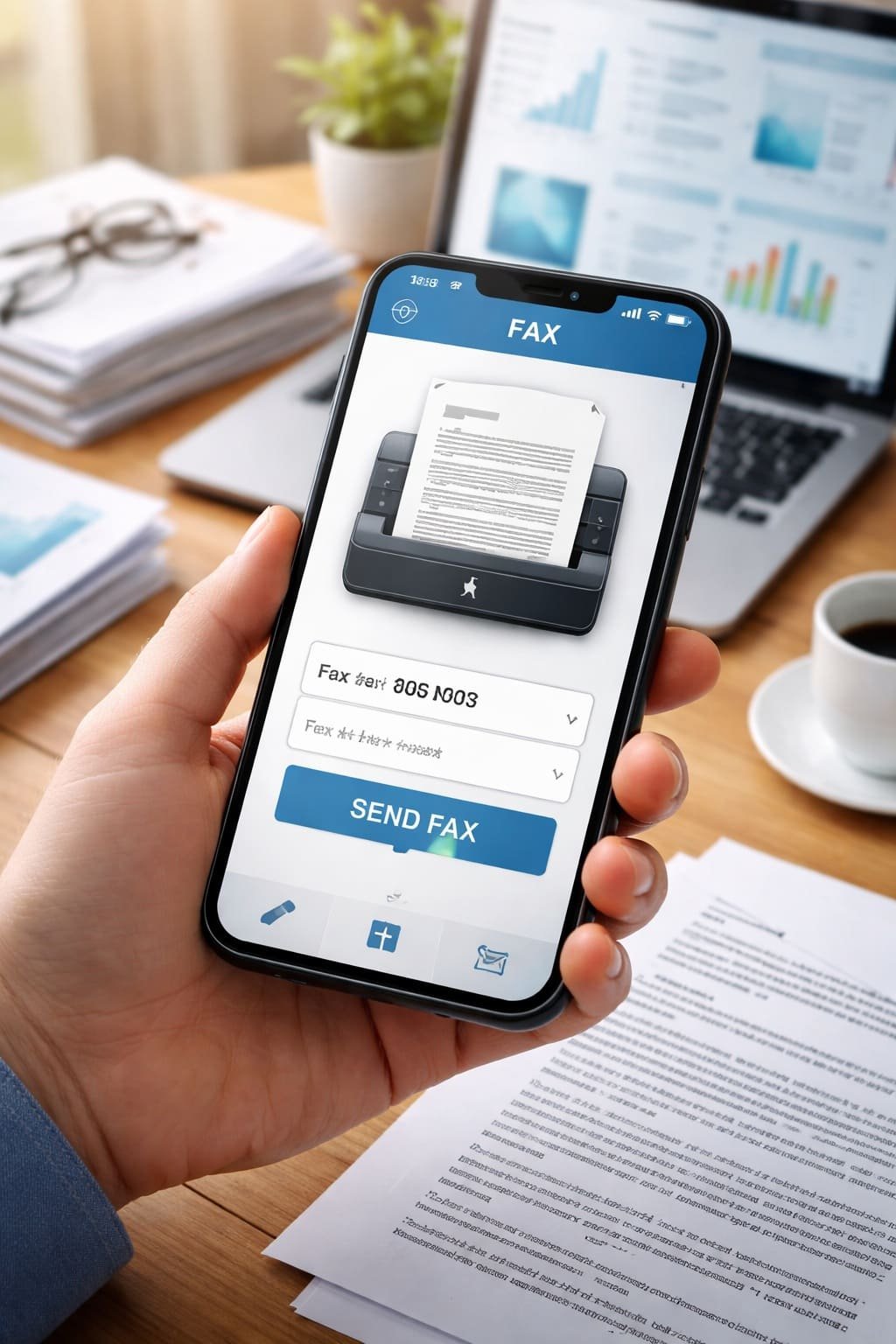
Faxing might sound like something from the past, but it’s still widely used for official documents, legal paperwork, and business communication. The good news is—you don’t need a bulky fax machine anymore. Your smartphone can handle everything in just a few minutes.
In this guide, let’s walk through how you can fax documents directly from your mobile phone in a simple and stress-free way.
Why Use Your Phone to Send a Fax?
Using your mobile phone to fax documents is not just convenient—it’s often faster and more efficient than traditional methods.
- No need for a physical fax machine
- Send documents anytime, from anywhere
- Scan documents instantly using your camera
- Save digital copies automatically
- Ideal for urgent or remote work situations
Whether you’re a student, freelancer, or business owner, mobile faxing can save you both time and effort.
Methods to Fax a Document from Your Phone
There are a few reliable ways to send a fax using your smartphone. Let’s break them down:
1. Using Fax Apps
The easiest way to fax from your phone is by using dedicated fax apps. These apps turn your phone into a portable fax machine.
Popular fax apps include:
- FaxFile
- iFax
- eFax
- Genius Fax
How it works:
- Download a fax app from the App Store or Google Play
- Sign up or log in
- Scan your document using your phone camera or upload a file
- Enter the recipient’s fax number
- Pay (if required) and send
Most apps offer a few free pages, then charge per fax or via subscription.
2. Using Email-to-Fax Services
Some services allow you to send a fax directly through email.
Steps:
- Open your email app
- Attach the document you want to fax
- Enter the fax number followed by the service domain (e.g., number@faxservice.com)
- Send the email
The service converts your email into a fax and delivers it to the recipient.
3. Using Online Fax Websites
If you don’t want to install an app, online fax services work directly from your browser.
Steps:
- Visit a trusted online fax website
- Upload your document
- Enter the fax number
- Confirm and send
This method is useful for occasional users.
How to Scan Documents Properly Using Your Phone
Before sending a fax, you need a clear digital copy of your document.
- Place the paper on a flat, well-lit surface
- Avoid shadows and glare
- Use your phone’s document scanner feature or a scanning app
- Crop and adjust clarity before uploading
Most fax apps include built-in scanners, making this step easy.
Tips for Successful Mobile Faxing
To avoid errors and ensure smooth delivery:
- Double-check the fax number
- Ensure your internet connection is stable
- Use PDF format for best compatibility
- Keep your document clear and readable
- Check confirmation after sending
Are Mobile Fax Apps Safe?
Yes, most reputable fax apps use encryption and secure servers to protect your data. However, always choose trusted apps and avoid sharing sensitive documents over unknown platforms.
When Should You Use Mobile Faxing?
Mobile faxing is especially useful when:
- You need to send legal or official documents quickly
- You’re working remotely or traveling
- You don’t have access to a fax machine
- You want a digital record of sent documents
Common Questions About Mobile Faxing
Do I need a fax number to send a fax?
No, most apps allow you to send faxes without owning a fax number.
Is it free to fax from a phone?
Some services offer free trials, but most charge a small fee.
Can I receive faxes on my phone?
Yes, many apps provide a virtual fax number to receive documents.
Final Thoughts
Faxing from your mobile phone is no longer complicated. With the right app or service, you can send documents in just a few taps—no machines, no wires, no hassle.
If you occasionally need to fax, online tools will do the job. But if you send documents regularly, investing in a reliable fax app can make your workflow much smoother.
In today’s digital world, even traditional tools like fax have evolved—and your smartphone is all you need to stay connected and productive.