
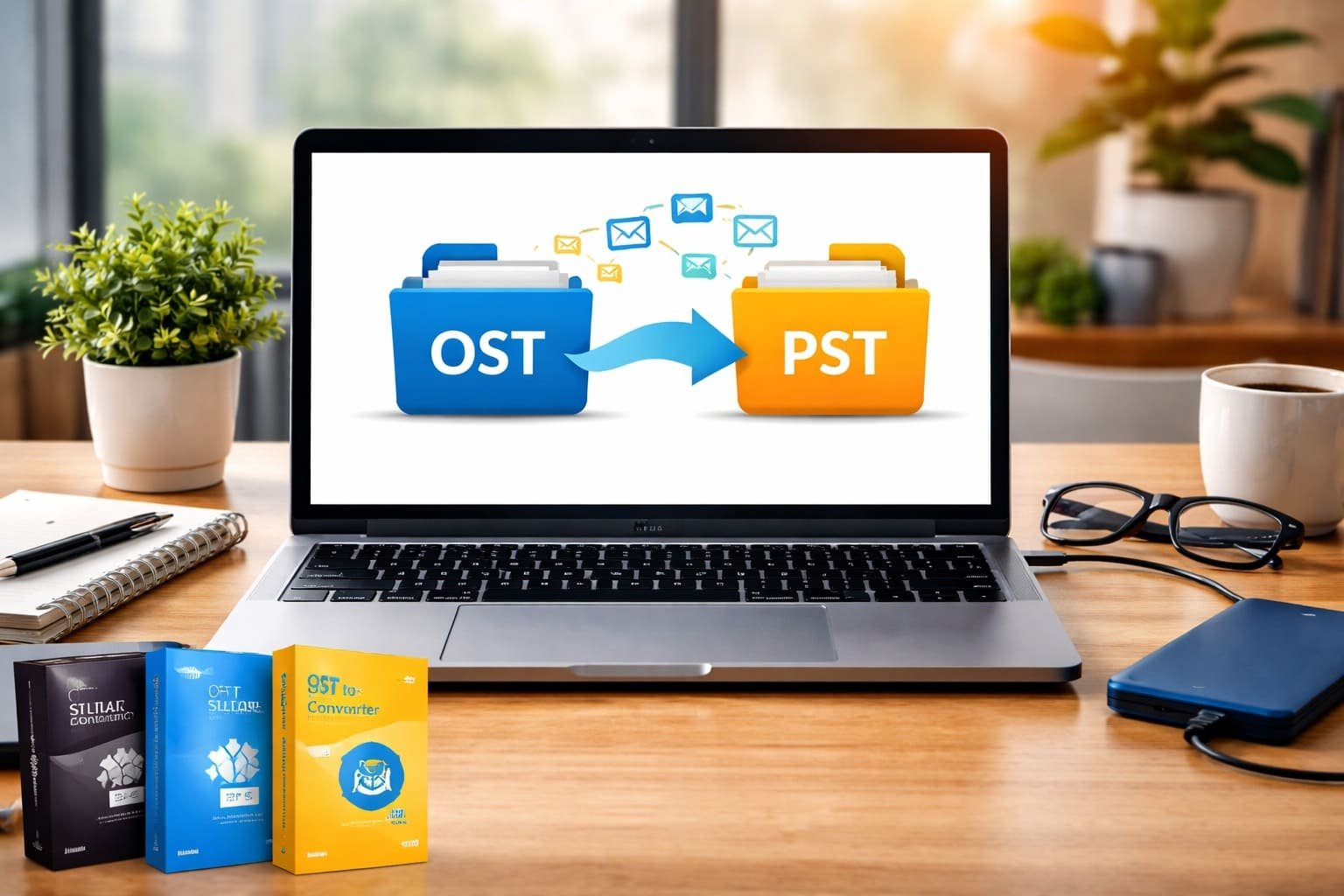
Managing email data efficiently is essential, especially for professionals and businesses that rely heavily on Microsoft Outlook. If you’ve ever encountered issues accessing your Outlook data or switching systems, you’ve probably come across OST and PST files. Converting OST to PST is a common need, but many users aren’t sure how to do it safely and effectively.
In this guide, we’ll break down everything you need to know about OST to PST conversion, including methods, tools, and best practices.
Understanding OST and PST Files
Before jumping into the conversion process, it’s important to understand the difference between these two file formats.
An OST (Offline Storage Table) file is created when you use Outlook with an Exchange server. It allows you to access emails offline and sync changes once you reconnect to the server. However, OST files are tied to a specific Outlook profile and system, making them difficult to transfer.
A PST (Personal Storage Table) file, on the other hand, is more flexible. It stores emails, contacts, calendars, and other data locally and can be easily imported into Outlook on any system.
This is why many users look for ways to convert OST files into PST format.
Why Convert OST to PST?
There are several practical reasons why users need to convert OST to PST:
- When the Exchange server crashes or becomes unavailable
- If your Outlook profile gets corrupted
- While migrating to a new system or email client
- For backup and data portability
- When switching from Exchange to a POP/IMAP setup
In such situations, converting your OST file to PST ensures you don’t lose access to important data.
Manual Method to Convert OST to PST
If your Outlook account is still active and accessible, you can use a built-in export feature.
Steps to Convert Using Outlook:
- Open Microsoft Outlook
- Click on File and go to Open & Export
- Select Import/Export
- Choose Export to a file and click Next
- Select Outlook Data File (.pst)
- Choose the mailbox or folders you want to export
- Select a location to save the PST file
- Click Finish
This method is simple and free, but it comes with limitations. It only works if the OST file is connected to an active Outlook profile. If the file is orphaned or corrupted, this method won’t help.
Limitations of Manual Conversion
While the manual method is useful, it isn’t always reliable. Here are some common issues:
- Cannot convert orphaned OST files
- Risk of data loss during export
- Time-consuming for large mailboxes
- No recovery options for corrupted files
Because of these limitations, many users prefer using dedicated converter tools.
Best OST to PST Converter Tools
There are several tools available that make the conversion process easier, faster, and more reliable. Below are some of the most trusted options.
1. Kernel for OST to PST Converter
Kernel is a popular choice for both beginners and professionals. It supports converting large OST files without data loss and maintains folder structure.
Key Features:
- Converts corrupted and orphaned OST files
- Preserves email formatting and attachments
- Allows preview before conversion
- Supports bulk conversion
2. Stellar Converter for OST
Stellar is known for its user-friendly interface and powerful recovery capabilities. It’s ideal for users dealing with damaged or inaccessible OST files.
Key Features:
- Converts OST to PST with high accuracy
- Recovers deleted emails
- Maintains original data structure
- Works with encrypted OST files
3. SysTools OST Recovery
SysTools offers a comprehensive solution for OST recovery and conversion. It’s widely used in enterprise environments.
Key Features:
- Handles severely corrupted OST files
- Supports large file sizes
- Provides multiple export options
- Maintains metadata integrity
4. Aryson OST to PST Converter
Aryson is another reliable tool that focuses on simplicity and efficiency. It’s suitable for users who want a quick and straightforward solution.
Key Features:
- Easy-to-use interface
- Converts OST files without Outlook
- Supports all Outlook versions
- Preserves folder hierarchy
5. BitRecover OST to PST Wizard
BitRecover is designed for advanced users who need more control over the conversion process.
Key Features:
- Batch conversion support
- Multiple saving formats (PST, EML, MSG)
- Maintains data integrity
- Fast processing speed
How to Choose the Right Tool
With so many options available, selecting the right converter depends on your specific needs.
If you’re dealing with a simple conversion and have access to Outlook, the manual method may be enough. However, if your OST file is corrupted or inaccessible, a professional tool is the better choice.
Consider the following factors before choosing a tool:
- File size and complexity
- Need for data recovery
- Budget and licensing
- Ease of use
- Compatibility with your Outlook version
Tips for Safe Conversion
To avoid data loss or errors during conversion, keep these tips in mind:
- Always create a backup of your OST file before starting
- Use trusted and verified tools only
- Avoid interrupting the conversion process
- Check system compatibility beforehand
- Verify the converted PST file after completion
These precautions can save you from unexpected issues and ensure a smooth experience.
Final Thoughts
Converting OST to PST might seem complicated at first, but with the right approach, it becomes a straightforward task. While the manual method works for basic scenarios, it has clear limitations, especially when dealing with corrupted or orphaned files.
That’s where professional OST to PST converter tools come in. They not only simplify the process but also ensure that your data remains intact and accessible. Whether you’re recovering lost emails or migrating to a new system, choosing the right method can make all the difference.
In the end, the goal is simple—secure your data and keep your communication uninterrupted. With the tools and steps outlined above, you can confidently handle OST to PST conversion without stress.
FAQs
Q1. What is the difference between OST and PST files?
OST files are offline files linked to an Exchange account, while PST files are portable and can be accessed on any Outlook setup.
Q2. Can I convert OST to PST without Outlook?
Yes, but only by using third-party converter tools. The manual method requires Outlook access.
Q3. Is it safe to use OST to PST converter tools?
It is safe if you use trusted and well-known tools. Always avoid unknown or suspicious software.
Q4. Can corrupted OST files be converted to PST?
Yes, most professional tools can recover and convert corrupted or damaged OST files without losing data.
Q5. Does converting OST to PST delete original data?
No, the conversion process creates a new PST file and does not delete the original OST file unless you manually remove it.