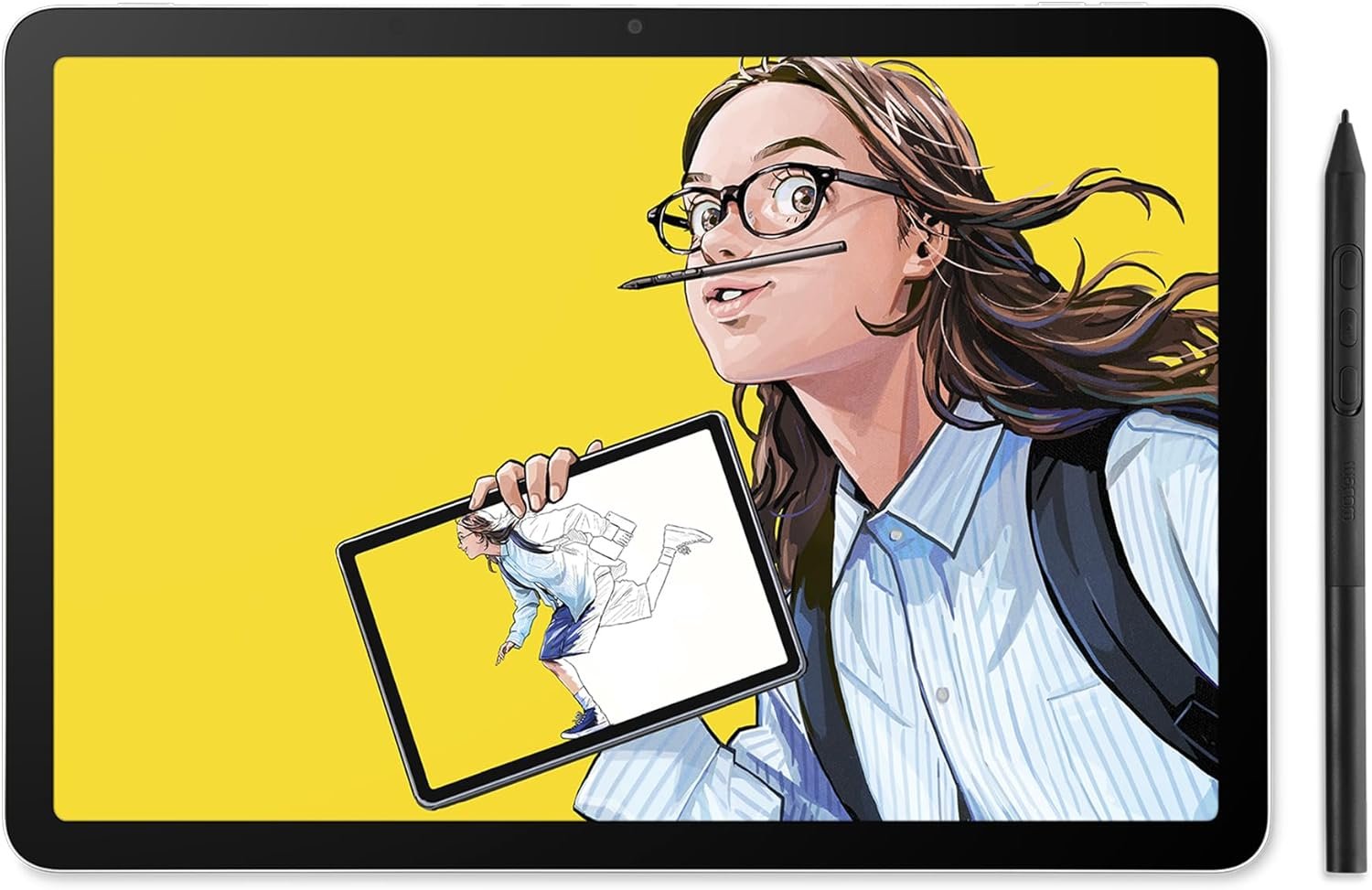
The Wacom MovinkPad 11 is designed for creators who want a true digital sketchbook without the hassle of connecting to a computer. Built as a standalone Android drawing tablet, it combines portability, performance, and Wacom’s trusted pen technology into a single compact device. Whether you’re sketching ideas on the go, creating detailed illustrations, or refining artwork, this tablet aims to deliver a seamless creative experience anywhere.
With its anti-glare display, battery-free Pro Pen 3, and built-in creative apps, the MovinkPad 11 is positioned as a powerful yet accessible tool for artists, designers, and students alike.
Wacom MovinkPad 11 Features
All-in-One Standalone Design
The MovinkPad 11 features an 11.45-inch anti-glare etched glass display and runs on Android 14, eliminating the need for a separate computer. With 8GB RAM and 128GB storage, it offers enough power and space for creative workflows. It comes preloaded with the Wacom Canvas app and includes 2 years of Clip Studio Paint Debut, making it ready to use straight out of the box.
Quick Draw Instant Access
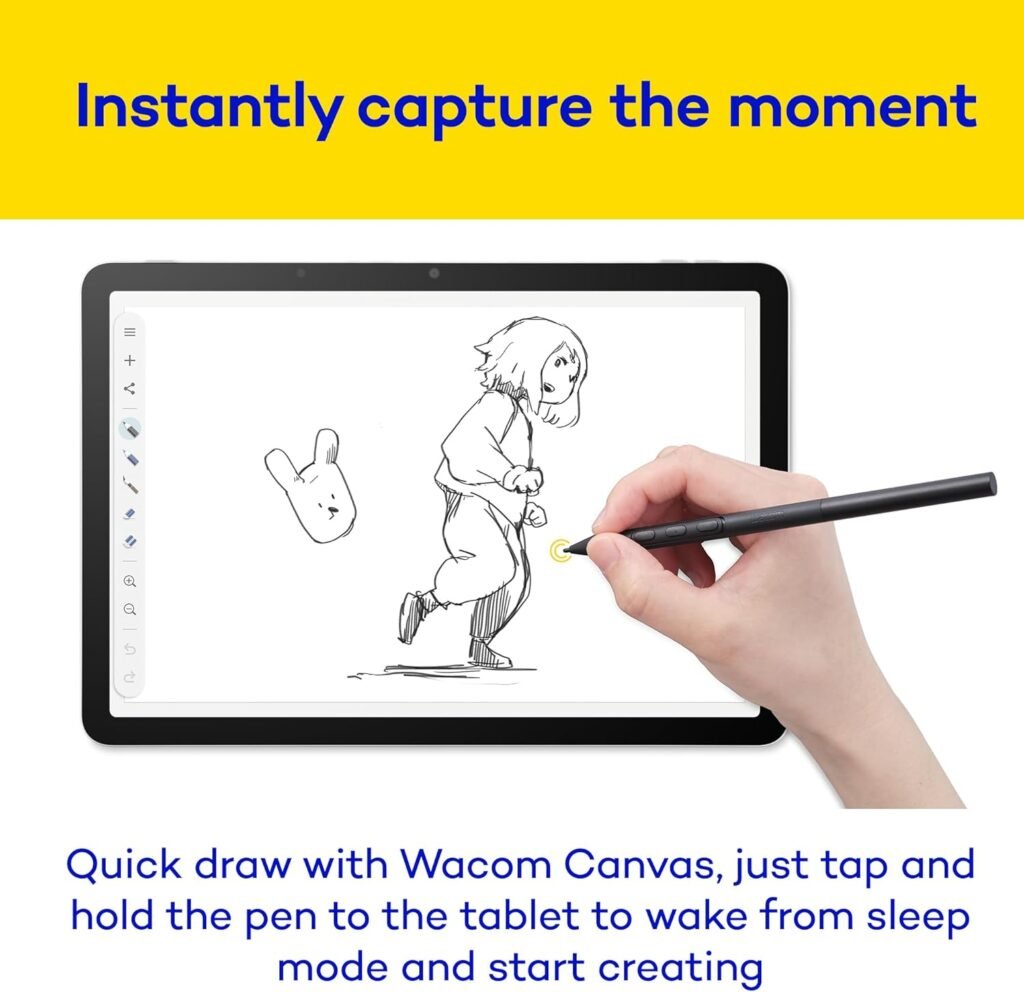
One of its standout features is the Quick Draw functionality. Simply tap and hold the pen on the screen, and the device instantly launches the Wacom Canvas app. This makes capturing ideas as effortless as opening a physical sketchbook, allowing artists to work the moment inspiration strikes.
Professional Pen Performance
The included slim version of the Wacom Pro Pen 3 delivers an exceptional drawing experience. With 8,192 levels of pressure sensitivity, tilt support, and three customizable buttons, it provides precision and control suitable for professional work. The best part is that the pen is battery-free, so there’s no need for charging. Replacement nibs are conveniently stored inside the pen itself.
Portable and Lightweight Build
Weighing just 588 grams (around 1.3 lbs), the MovinkPad 11 is extremely portable. Its slim profile makes it easy to carry in a bag or backpack, making it ideal for artists who like to work in cafés, parks, or classrooms. It also supports other popular EMR pens like LAMY, STAEDTLER, and Dr. Grip, adding flexibility.
Anti-Glare Matte Display
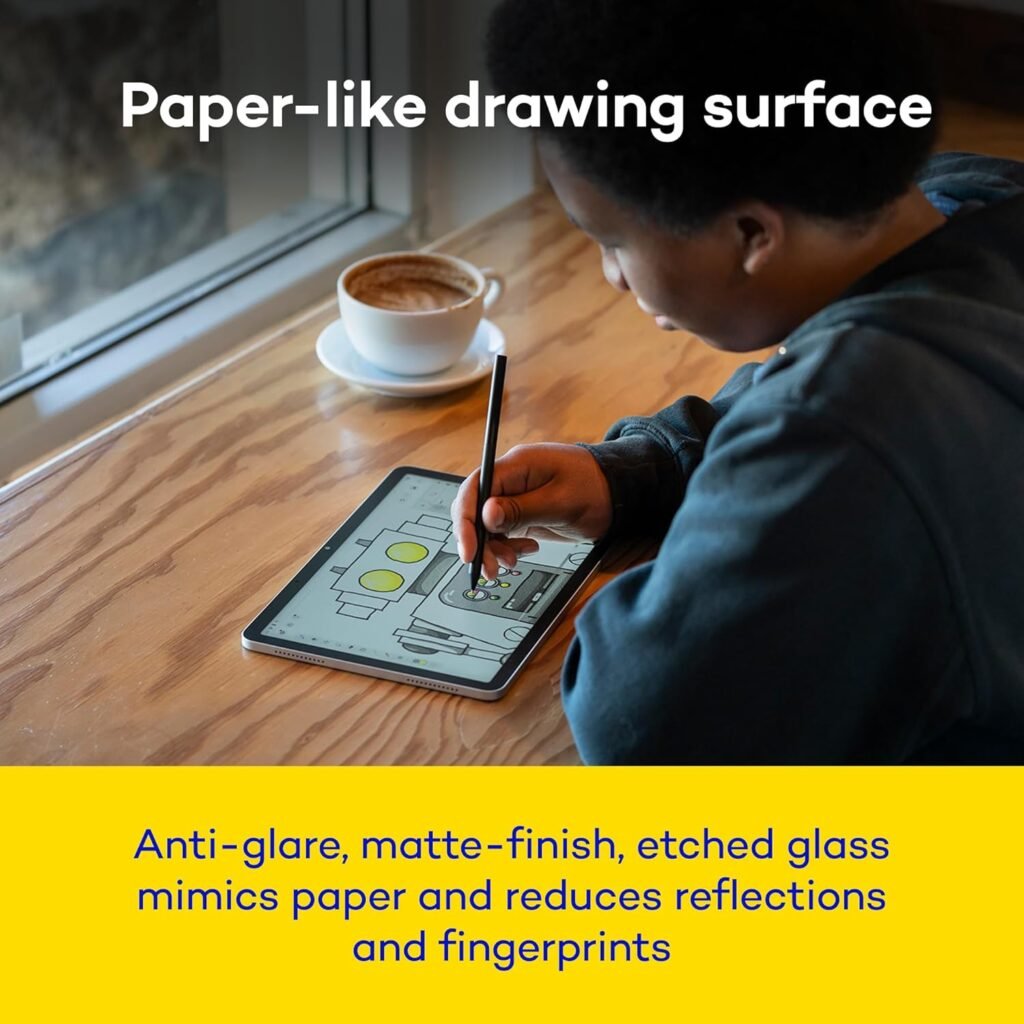
The tablet features a 2200 x 1440 resolution LCD screen with etched glass that mimics the feel of paper. The matte finish reduces glare and fingerprints, ensuring a distraction-free drawing experience. The textured surface enhances control and makes sketching feel natural.
Seamless Creative Workflow
The built-in Wacom Canvas app is perfect for quick sketches, while Clip Studio Paint allows for more advanced work like illustrations and manga. Transitioning between apps is smooth, helping maintain a steady creative flow. Additionally, users get 180 days of ibisPaint X Prime membership.
Wacom Shelf Organization
The Wacom Shelf feature allows users to organize sketches, reference images, and artwork in one place. It supports major image formats and helps keep projects easily accessible and well-structured.
Connectivity and Extras
With Bluetooth and Wi-Fi support, the device connects easily to other devices. It also includes front and rear cameras for capturing inspiration on the go. The 7,700mAh battery ensures long drawing sessions without frequent charging.
Wacom MovinkPad 11 Price in the US
The Wacom MovinkPad 11 is priced at $449.95 in the United States. It is available on Amazon and other major online platforms, making it accessible to a wide range of users.
Get Offer – Buy on Amazon
Wacom MovinkPad 11 Review
The Wacom MovinkPad 11 strikes an impressive balance between portability and performance, making it a compelling option for artists who prioritize mobility. The matte display does an excellent job of reducing glare while offering a paper-like texture that enhances the drawing experience. Colors appear accurate, and the screen quality is more than sufficient for both sketching and detailed artwork.
The drawing experience itself is where the device truly shines. Paired with the Pro Pen 3, it feels incredibly responsive and natural, with precise tracking and smooth pressure transitions. The addition of support for other EMR pens is a welcome bonus, giving artists more flexibility in their tools.
Its lightweight and compact design make it ideal for use on the go. Whether you’re sketching casually or working on professional illustrations in Clip Studio Paint, the device handles creative tasks efficiently. Many users may even prefer it over more expensive tablets for pure drawing purposes due to its focused design.
However, it’s important to note that the tablet uses a mid-tier processor. While it performs well for creative applications, it is not intended for heavy gaming or demanding multitasking. That said, for its primary purpose—drawing and digital art—it delivers reliable and consistent performance.
Overall, the MovinkPad 11 offers a focused, artist-friendly experience that emphasizes creativity without unnecessary distractions.
Wacom MovinkPad 11 Pros and Cons
Pros
- Standalone device with no computer required
- Excellent pen performance with 8,192 pressure levels
- Anti-glare matte screen with paper-like feel
- Lightweight and highly portable
- Quick Draw feature for instant sketching
- Includes useful creative software and subscriptions
Cons
- Mid-tier processor limits heavy performance tasks
- Not ideal for gaming or intensive multitasking
- Limited storage for large creative projects over time
Should you buy Wacom MovinkPad 11?
If your primary focus is drawing, sketching, or digital art, the Wacom MovinkPad 11 is a strong choice. It offers a distraction-free, portable, and highly responsive creative environment that feels closer to a traditional sketchbook than most tablets.
However, if you’re looking for a device that can double as a high-performance tablet for gaming or heavy multitasking, this may not be the best fit. It’s designed specifically for artists, and it excels in that role.
Final Verdict
The Wacom MovinkPad 11 is a thoughtfully designed drawing tablet that prioritizes creativity above all else. Its standalone functionality, excellent pen performance, and portable design make it an ideal companion for artists who want to create anywhere, anytime.
While it may not be the most powerful tablet on the market, it doesn’t try to be. Instead, it delivers exactly what artists need—a reliable, natural, and enjoyable drawing experience. For its price, it offers great value and stands out as one of the best portable drawing-focused devices available today.
You can also check QDDQ P90 Tablet Review and Huawei MatePad Mini Review.
FAQs
Q1. Does Wacom MovinkPad 11 require a computer to work?
No, it is a standalone Android tablet, so you can draw and create without connecting it to a computer.
Q2. Is the Wacom MovinkPad 11 good for professional artists?
Yes, with 8,192 pressure levels and Pro Pen 3, it offers a precise and natural drawing experience suitable for professional work.
Q3. Can I use other stylus pens with MovinkPad 11?
Yes, it supports other EMR pens like LAMY, STAEDTLER, and Dr. Grip, giving you more flexibility.
Q4. What apps come with the Wacom MovinkPad 11?
It includes the Wacom Canvas app, 2 years of Clip Studio Paint Debut, and 180 days of ibisPaint X Prime.
Q5. Is Wacom MovinkPad 11 good for gaming or heavy tasks?
Not really. It has a mid-tier processor, so it’s best suited for drawing and creative work rather than gaming or heavy multitasking.