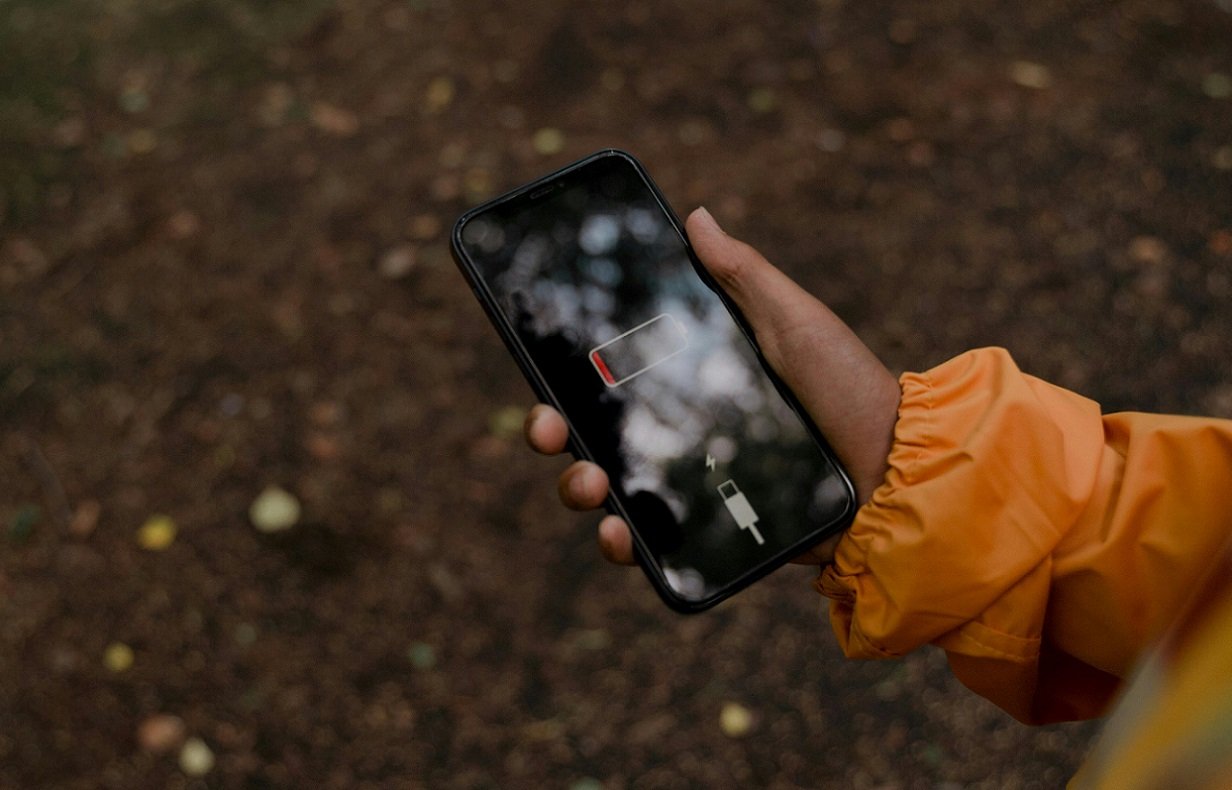
If you find your phone battery draining faster than expected, despite minimal usage, several factors could be at play. Here’s a breakdown of common reasons and practical solutions to extend your phone’s battery life.
Background Apps and Processes
Issue: Apps running in the background consume battery power, even when not actively in use.
Solution:
1. Check Background Apps: Review which apps are running in the background.
2. Close Unused Apps: Swipe away apps you’re not using by accessing the app switcher (usually by swiping up from the bottom on most phones).
Screen Brightness and Timeout Settings
Issue: High screen brightness and long screen timeout settings can drain battery.
Solution:
1. Adjust Brightness: Lower screen brightness to a comfortable level.
2. Shorten Screen Timeout: Set a shorter time before your screen automatically turns off when not in use.
Connectivity Features
Issue: Constantly enabled Wi-Fi, Bluetooth, and GPS can drain battery, especially in weak signal areas.
Solution:
1. Disable Unused Features: Turn off Wi-Fi, Bluetooth, and GPS when not needed.
2. Use Airplane Mode: When in low signal areas or not using your phone for an extended period, enable Airplane Mode to save battery.
Push Notifications and Sync
Issue: Apps that constantly sync or receive push notifications can drain battery.
Solution:
1. Manage Sync Settings: Adjust sync settings for email and other apps to less frequent intervals.
2. Turn Off Push Notifications: Disable notifications for apps that aren’t crucial.
Battery Health and Maintenance
Issue: Over time, batteries degrade, impacting overall battery life.
Solution:
1. Check Battery Health: Use built-in tools or third-party apps to monitor battery health.
2. Replace Battery: If significantly degraded, consider replacing the battery.
Usage Habits
Issue: Certain usage habits, like gaming or watching videos, can drain battery quickly.
Solution:
1. Limit Intensive Activities: Minimize usage of battery-intensive apps and activities.
2. Optimize Usage: Use power-saving modes if available on your device.
Background Sync and Updates
Issue: Automatic updates and background sync can consume battery power.
Solution:
1. Manage App Updates: Set apps to update manually or during specific times.
2. Restrict Background Data: Limit background data usage in settings.
Conclusion
Understanding why your phone battery drains quickly, even with minimal usage, involves examining settings, habits, and device health. By implementing these practical solutions, you can significantly extend your phone’s battery life and enjoy longer usage between charges. Taking proactive steps to optimize settings and manage usage habits ensures your phone remains efficient and reliable throughout the day.