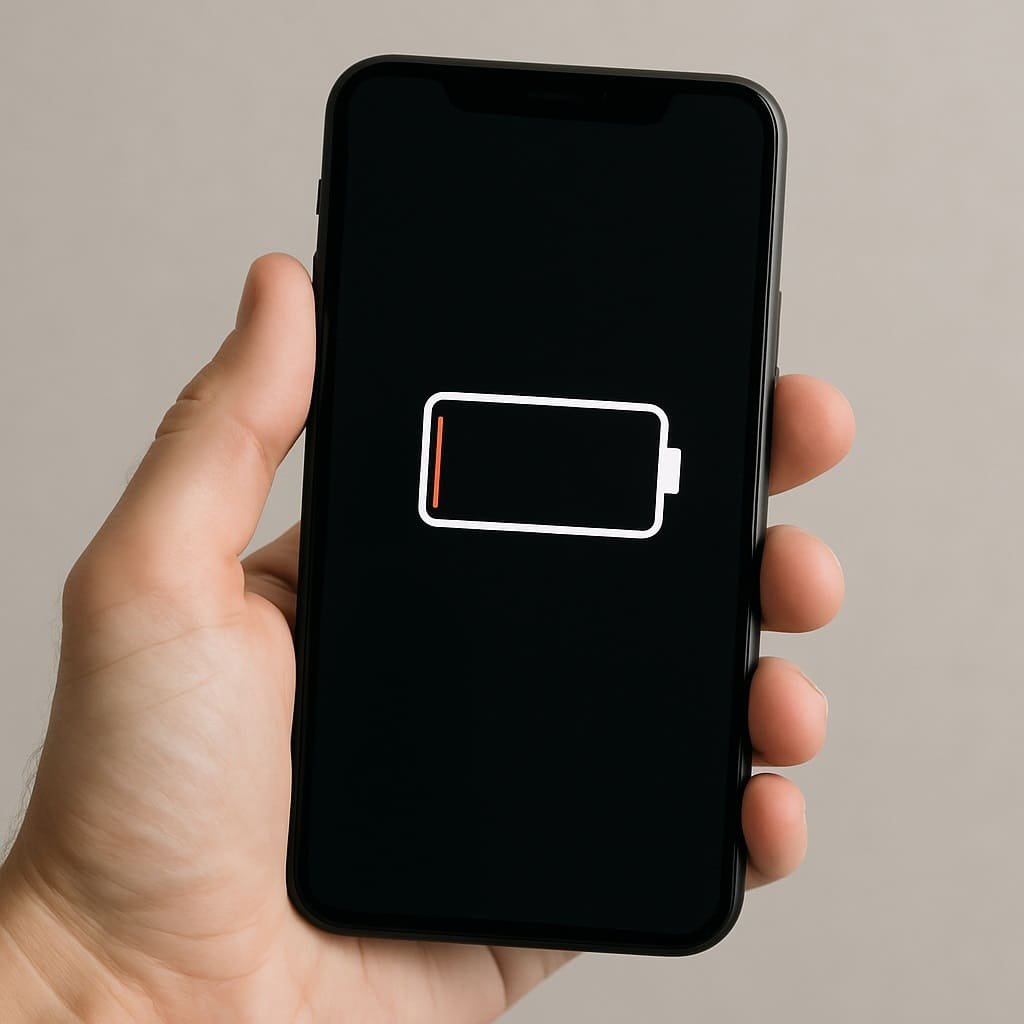
In the era of hyper-connectivity, our smartphones are always by our side—navigating us through traffic, streaming videos, keeping us connected, and even managing our work. But with heavy use comes a common problem: battery degradation. Over time, your phone’s battery starts to wear out faster, lasting less than a day and eventually forcing a costly replacement.
The good news? Many of the habits that damage your phone’s battery are avoidable. By making a few small but significant changes in how you use and charge your phone, you can dramatically improve your battery’s health and extend its lifespan. Let’s explore the habits that silently kill your battery—and how to change them.
It might feel satisfying to see that “100%” icon, but regularly charging your phone all the way can stress the battery. Lithium-ion batteries—used in most smartphones—perform best when they’re kept between 20% and 80%. Charging to full capacity, especially overnight, heats the battery and contributes to faster wear.
Tip: Unplug your phone once it hits around 80–90%. Use smart charging features if your phone supports them.
Charging overnight may be convenient, but it can also harm your battery over time. Most phones now have battery optimization features, but trickle charging after 100% can still produce heat, which is the enemy of battery health.
Tip: Charge during the day when you can unplug at the right time, or use a smart plug that turns off automatically.
Heat is one of the biggest threats to battery longevity. Leaving your phone in direct sunlight, inside a parked car, or using it while charging can raise internal temperatures significantly.
Ideal temperature range for your battery: 0°C to 35°C (32°F to 95°F).
Tip: Remove your phone case while charging to help dissipate heat, and never charge under a pillow or blanket.
Frequently draining your phone to 0% can stress the battery. Deep discharges shorten battery life and can lead to unpredictable shutdowns or performance drops.
Tip: Try to recharge when your battery hits 20–25%. Keeping it in the mid-range helps preserve long-term health.
Using power-intensive apps while charging not only slows down the charge but also heats up the device. This combination of charging + heavy processing is harmful to battery cells.
Tip: Give your phone a break while it’s charging. If you must use it, stick to light apps like messaging or browsing.
Apps running in the background not only drain battery faster but also increase the number of charging cycles needed over time. The more frequently you need to charge, the quicker your battery degrades.
Tip: Disable background refresh for unused apps, turn off Bluetooth, Wi-Fi, and location services when not in use.
Cheap or unbranded chargers can deliver inconsistent voltage and current, damaging your phone’s battery over time. Fast charging is great, but constant use can also wear down the battery faster.
Tip: Always use original or certified chargers and cables. Use fast charging sparingly if your device allows slower modes.
Most modern smartphones come with built-in battery health management tools. These optimize charging patterns, limit background activity, and help regulate usage.
Tip: Explore your phone’s battery settings and enable features like “Optimized Charging,” “Battery Saver,” or “Adaptive Battery.”
Your smartphone is likely your most-used device, and its battery is at the heart of everything it does. By making small adjustments—charging smarter, reducing heat exposure, and avoiding full drains—you can extend your battery’s health significantly.
Think of your battery like a long-distance runner—it performs best when treated gently and consistently. Change these habits today, and your phone’s battery will thank you with longer life and better performance.
Image Credits: Created by ChatGPT with DALL·E, OpenAI


Comments