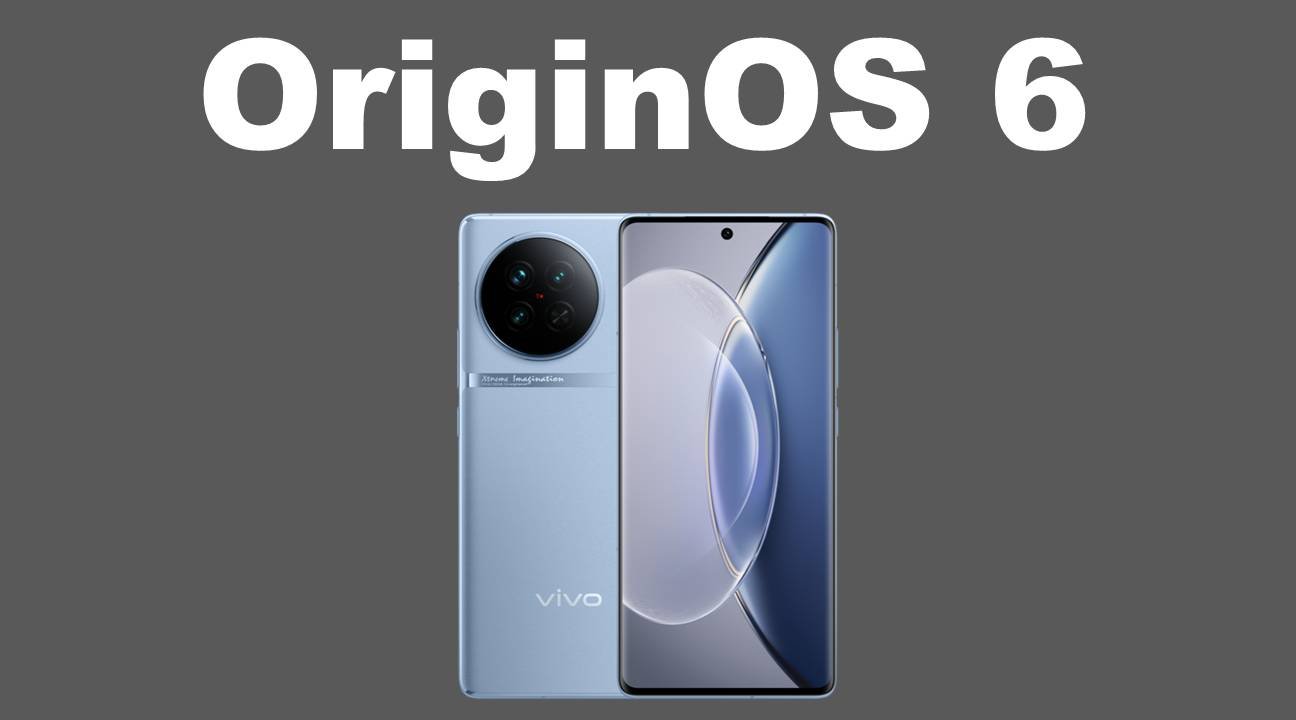
Vivo has officially begun rolling out its latest OriginOS 6 update to more smartphones, and this time the Vivo X90 and Vivo V40 Pro are the newest additions to the list. Based on Android 16, the update brings noticeable visual refinements, system-level optimizations, and several user-focused features that aim to improve everyday usability.
The OriginOS 6 update is currently being distributed in phases, following Vivo’s official rollout plan. For Vivo X90 users, the update arrives with the build number PD224ICF_EX_A_16.3.6.6.W30 and has a download size of 4.07GB, indicating a major system upgrade.
While Vivo has not yet revealed the exact firmware version for the Vivo V40 Pro, early rollout confirmation has surfaced through screenshots shared by reliable sources, confirming that the update has started reaching users.
At this stage, Vivo is pushing OriginOS 6 through its trial program, allowing selected users to experience the update early. This approach helps Vivo identify and fix potential issues before releasing the stable version to all users.
Users who want to try the OriginOS 6 trial version on their Vivo X90 or V40 Pro can follow these steps:
Go to Settings > About Phone > System updates > Version Trial > Trial Version, then download and install the update.
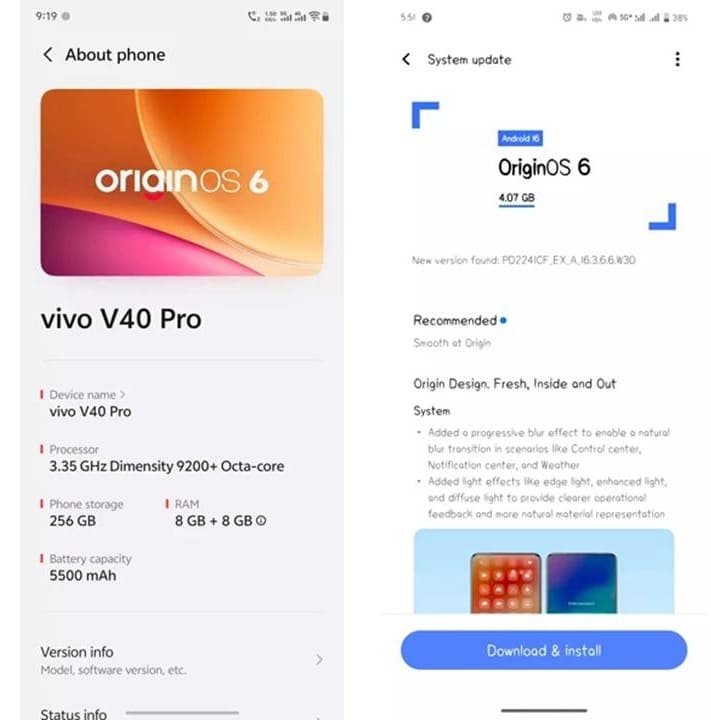
Image Credits: Ytechb
Before installing, it is recommended to ensure that your device has sufficient free storage space and at least 50% battery to avoid interruptions during installation. Backing up important data to cloud storage or an external device is also advised for added safety.
OriginOS 6 focuses heavily on visual polish and overall system smoothness. One of the most noticeable additions is Origin Island, a new interface element that displays real-time updates from supported apps, offering quick access to ongoing activities.
The update also brings a redesigned Control Center with a refreshed notification layout, improved lighting effects, and new system fonts that enhance readability. Vivo has further refined the lock screen, adding new clock styles, better layout customization options, and additional widgets for a more personalized look.
Beyond aesthetics, OriginOS 6 includes several under-the-hood improvements. Users can expect faster app launches, smoother animations, better multitasking performance, and improved battery efficiency, making daily usage feel more responsive and stable.
With the Vivo X90 and Vivo V40 Pro now receiving OriginOS 6, Vivo is expected to shift its attention toward older V series and T series smartphones. The company has also confirmed plans to bring the update to entry-level models in the coming weeks.
According to Vivo’s rollout schedule, all eligible devices are expected to receive the OriginOS 6 update by the end of March, marking a broad expansion of Android 16 across Vivo’s smartphone lineup.
For users waiting on the update, the current rollout is a strong sign that Vivo is steadily moving forward with its software update commitments.
Via: (Source)
To know more about our platform, visit our About Us page.


Comments