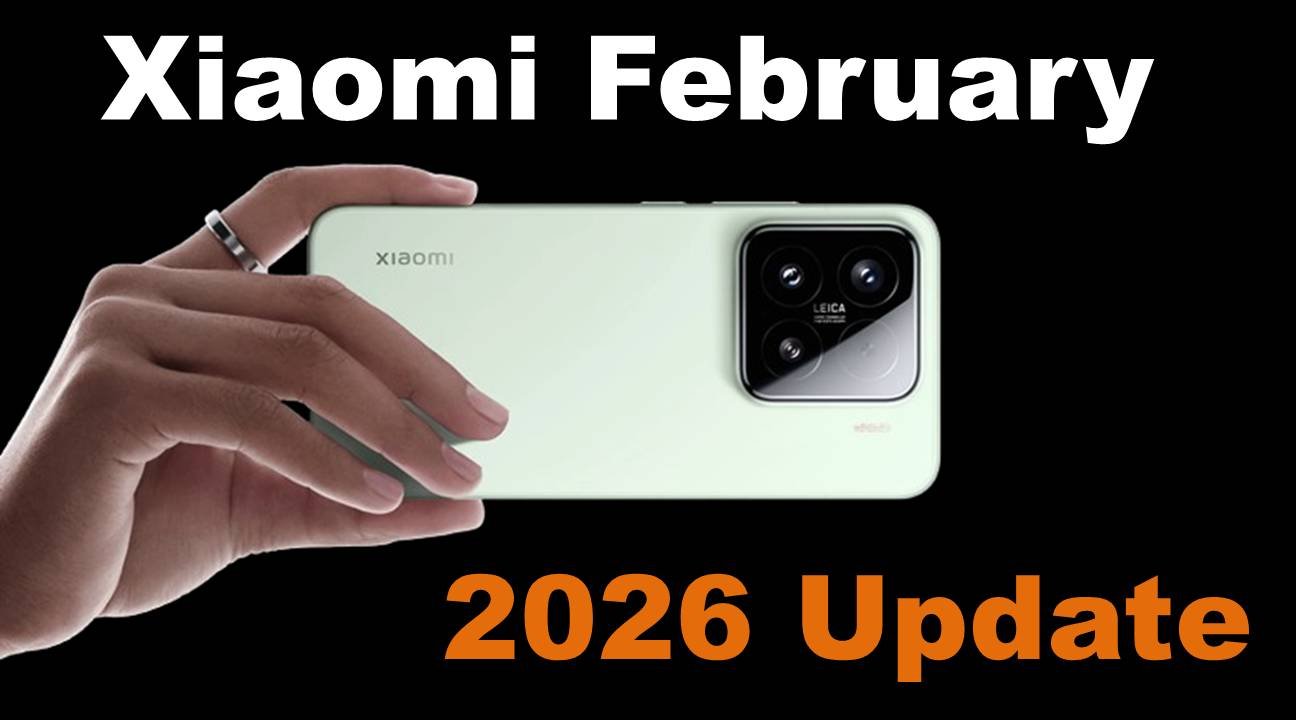
Xiaomi Rolls Out February 2026 Security Update for HyperOS Devices

Xiaomi has started pushing the February 2026 Android security patch to several HyperOS devices, including Xiaomi, Redmi, and POCO smartphones worldwide.

Tech News
6. Feb 2026
339 views
Xiaomi Rolls Out February 2026 Security Update for HyperOS Devices


Xiaomi has started rolling out the February 2026 Android security update, continuing its steady push to keep devices protected against the latest vulnerabilities. The update is already reaching a wide range of smartphones, from Xiaomi’s newest flagships running HyperOS 3 based on Android 16 to popular mid-range models still on HyperOS 2 with Android 14.

This early rollout shows Xiaomi’s commitment to timely security updates across different price segments, ensuring users get the latest protections regardless of whether they’re using a premium or mid-range device.

HyperOS 3 Devices Receiving February 2026 Security Patch

The first wave of the February 2026 security update includes several smartphones running HyperOS 3. These devices are receiving region-specific builds, reflecting Xiaomi’s phased rollout strategy.

Xiaomi 15

  • Global: OS3.0.6.0.WOCMIXM

POCO X7 / Redmi Note 14 Pro

  • Global: OS3.0.9.0.WOOMIXM
  • EEA (Europe): OS3.0.3.0.WOOEUXM

POCO X7 Pro

  • Turkey: OS3.0.5.0.WOJTRXM
  • Global: OS3.0.9.0.WOJMIXM
  • EEA (Europe): OS3.0.5.0.WOJEUXM
  • Also released in India, Indonesia, Russia, and Taiwan

POCO M6 / Redmi 13 / Redmi 13X

  • Global: OS3.0.6.0.WNTMIXM
  • EEA (Europe): OS3.0.3.0.WNTEUXM

These updates focus primarily on security improvements rather than major feature additions, but they play a critical role in keeping devices safe and stable.

HyperOS 2 Devices Getting the February 2026 Update

Xiaomi has also extended the February 2026 security patch to several devices running HyperOS 2, ensuring older yet popular models are not left behind.

Redmi Note 12 Pro / Redmi Note 12 Pro+ / Redmi Note 12 Explorer

  • India: OS2.0.10.0.UMOINXM
  • Indonesia: OS2.0.12.0.UMOIDXM

POCO X5 Pro 5G / Redmi Note 12 Pro Speed

  • Indonesia: OS2.0.13.0.UMSIDXM

This move reinforces Xiaomi’s ongoing software support for its widely used mid-range lineup.

How to Check for the Update

Users can manually check for the February 2026 security update by going to:

Settings > My Device > Xiaomi HyperOS

If the update isn’t visible yet, there’s no need to worry. Xiaomi typically releases updates in batches, so it may take a few days to reach all eligible devices and regions.

Final Thoughts

The February 2026 security update rollout highlights Xiaomi’s proactive approach to device security across both new and older smartphones. By covering HyperOS 3 and HyperOS 2 devices early in the month, Xiaomi continues to strengthen its software reputation. If your device is on the list, keeping it updated will ensure better protection, smoother performance, and a more secure overall experience.

Via: (Source)

The information in this article is for general reference only. Product details, pricing, and availability may change over time, and we can’t guarantee everything is 100% accurate. Some content may be created with the help of AI tools like ChatGPT. Please check the official website or seller before making a purchase. Some articles may contain affiliate links, and we may earn a small commission at no extra cost to you.

To know more about our platform, visit our About Us page.


Image Disclaimer: Product images are used for reference and review purposes only. All trademarks, logos, and images belong to their respective brands or Amazon sellers.

Comments

No comments has been added on this post

Add new comment

You must be logged in to add new comment. Log in
Alok Tiwari
Check latest Launched and Upcoming Mobile, Tablet, Laptop and more Electronic Products
All Latest Technical News
Categories
Tech News
Check latest Launched and Upcoming Mobile, Tablet, Laptop and more Electronic Products
Learn
Check all Latest News
Song Lyrics
All Latest and Old Song Lyrics
Tech Review
Check Review of Tech Gadgets and More.
LifeStyle
How To
Find best Solution
10 Lines
10 Lines Short, Long and Simple
Lately commented
Very useful tips! It’s so important to protect our SSN—thanks for the gu... ·
Protect Your SSN: Essential Tips to ...
Great reminder to think before we post. Super helpful! ·
10 Personal Things You Should Never ...
Loved this! I never thought about using AI for travel planning, but it r... ·
Turn AI into Your Travel Agent: Smar...
Such an important read for parents! The online world can be tricky for t... ·
How to Keep Online Scammers Away fro...
This is eye-opening! I had no idea how easy it could be for someone to h... ·
How to Find Hidden Tracking Devices ...
Such a helpful guide! I never realized how much junk was slowing down my... ·
Simple Ways to Declutter Your Phone:...
Great tips! It’s amazing how a simple cleaning routine can make devices ... ·
Easy Ways to Clean Your Smartphone, ...
This is such an important and often overlooked use of smart speakers. I ... ·
How to Set Up Your Smart Speakers fo...